Online ping test
Enter a domain or IP address to measure how quickly it accepts connections. We connect 4 times and report the minimum, average and maximum latency and any packet loss.
Understanding the numbers
- Min / Avg / Max
- The fastest, average and slowest connection time across the attempts, in milliseconds.
- Packet loss
- The share of attempts that failed or timed out after 2 seconds. Anything above 0% is worth investigating.
- Port
- 443 for HTTPS or 80 for HTTP. The port must be open for a connection to succeed.
- DNS time
- How long it took to resolve the domain to an IP address before connecting.
How the ping test works
This is a TCP ping: we time how long the server takes to complete a TCP handshake on a web port. Many servers and cloud providers block classic ICMP ping, so a TCP ping gives a more reliable answer for websites.
Latency is measured from SIOPS servers, not your device, so it reflects the server and network path rather than your Wi-Fi.
A server can accept connections and still serve errors. Use the website down checker to test the full HTTP response.
Ping test FAQ
What is a good ping?
As a rough guide, under 50 ms is excellent, 50 to 100 ms is good, and above 150 ms starts to feel slow for interactive apps and games. Latency mostly depends on the physical distance between the two machines.
Why use TCP ping instead of ICMP ping?
Many servers, firewalls and cloud providers drop ICMP packets, so a classic ping can report a healthy site as unreachable. A TCP ping connects to the same port a browser uses, so it reflects whether the service is actually accepting connections.
Why does the ping test show 100% loss when the site loads fine?
The port you chose may be closed (for example, port 80 on an HTTPS-only site), or a firewall may only allow certain networks. Try the other port, or run the website down checker.
Does my location affect the result?
No. The test runs from SIOPS servers, so your own internet connection doesn’t affect the numbers. Your experience may differ if you are far from the server.
How can I monitor a server’s availability continuously?
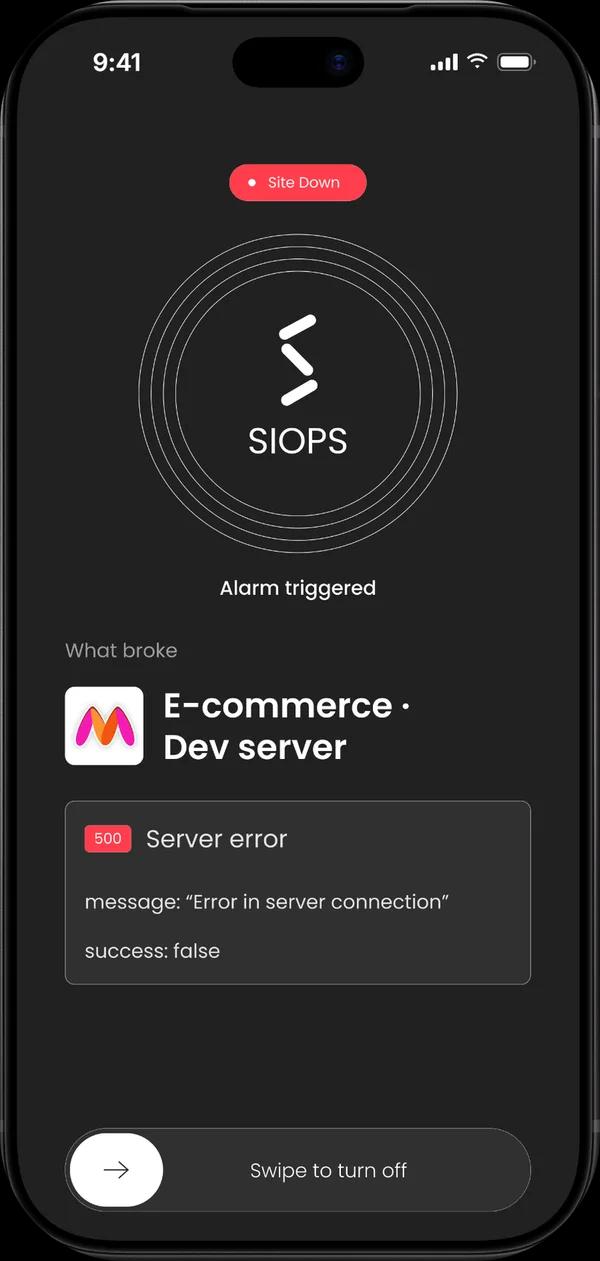
Install the free SIOPS app on iOS or Android and add your site. SIOPS checks it around the clock and rings a loud alarm that breaks through Silent Mode the moment it goes down, with Slack, email, phone call, push and webhook alerts too.
Secure your sleep with SIOPS.
Monitor your sites for free. SIOPS checks them around the clock and rings like an alarm the moment one goes down, even in Silent Mode.
- Loud native alarm the second a check fails
- Breaks through Silent Mode and Do Not Disturb
- Slack, email, phone calls, push and webhooks