Apple
GET apple.comDaily uptime
100.00%27 OctToday
No downtimePartial (95–99.9%)Major (below 95%)
Response time
avg 62 ms02 Nov 13:2814 Nov 00:5425 Nov 00:03
- Status
- Up
- Last response
- 20044 ms
- Checked
- Every minute
- Last check
- 7 mins ago
 Live · checked 7 mins ago
No, Apple is up.
Apple is responding normally. Last checked 7 mins ago, with 100.00% uptime over the last 30 days and an average response time of 62 ms.
Daily uptime and response times from SIOPS checks. Hover a bar or the chart for details.
Report what you’re seeing. Visitor reports help show whether a problem with Apple is widespread or only affecting a few people, even before our checks pick it up.
This page shows live, independent monitoring for Apple. SIOPS requests apple.com every minute and records whether each check succeeds and how fast it responds.
The status at the top reflects the most recent check. Uptime is the share of successful checks per day, and response time is how long Apple’s servers took to answer. Short dips can come from brief network issues; sustained red bars usually mean a real outage.
The cards and charts at the top of this page come from our latest request to Apple's main website. Before you rely on them, look at Last Updated. When that time falls well behind the check interval, our data is lagging, and Apple's own System Status page deserves more weight.
When people search "is Apple down", they rarely mean the website. They mean iMessage won't send, iCloud stopped syncing, the App Store won't load, or their Apple Account (once called Apple ID) won't sign in. Those are separate services, so find out which one is failing.
Two questions, two charts. The uptime chart asks whether Apple's main website replied to each check. The response time chart asks how quickly. Apple's website is mostly product and support pages, so it can answer fast while a single service like iCloud Mail struggles behind the scenes. Read these charts as the health of the front door, not every room.
A single slow check is usually network noise between our checker and Apple. A sequence of slow checks is more telling. The 7, 15 and 30 day views show whether today stands out.
We request Apple's main website on a fixed interval from servers in more than one region, outside Apple's network. A problem shorter than the gap between two checks can slip through.
Green means the website answered. We don't sign in to an Apple Account or test iCloud, iMessage, FaceTime, the App Store, Apple Music, Apple Pay or software updates. Any of them can fail while Apple's website loads normally.
Apple runs a System Status page at apple.com/support/systemstatus. It lists services one by one, including iCloud features, iMessage, FaceTime, the App Store and Apple Pay, and marks any that have a known issue. Use it next to ours. Our charts show whether Apple's website answers from the outside. Apple's page shows which service Apple has confirmed is affected. If our checks fail and Apple's page shows nothing yet, look again in a few minutes.
Apple's services depend on your Apple Account. When a password changes, a payment method expires or new terms need accepting, several services can stop together. That feels like a wide outage, but it's limited to your account.
Big software releases and launch days bring a surge of people updating devices and signing in at once, and that can slow down updates and sign in. Many iMessage and FaceTime problems come from activation, which depends on your phone number, carrier and network, rather than from Apple's servers.
Check iMessage on Apple's System Status page. If it's clear, switch iMessage off and on in Settings and check your connection. Green bubbles mean the message went as a regular text.
Activation needs a working connection and, for a phone number, your carrier's network. Check your signal, restart the phone, and give it some time before assuming Apple is down.
Check that you're signed in to the same Apple Account on every device and that your iCloud storage isn't full. Then check the iCloud entries on Apple's System Status page.
Apple's System Status page lists the App Store on its own. If it shows no issue, check the payment method on your Apple Account and your connection.
We check Apple's main website, not iCloud. Apple's System Status page is the place to see individual services.
These checks are run by SIOPS, an independent uptime monitoring service. We aren't affiliated with Apple, and everything shown here comes from our own requests, not from Apple's System Status page.
No, Apple is up. This is based on SIOPS’s latest check at 24 Nov 2026, 18:33 UTC. The status updates automatically as new checks come in.
Apple is responding normally to our checks, so the problem may be limited to your network, region, device or account. Try switching networks, updating the app, clearing its cache or signing out and back in.
Use the “Report a problem” form on this page: choose where you noticed it (app, website, API, login, notifications, payments or something else) and describe what went wrong. You can leave your email if you’d like an update. Reports from visitors help show whether an issue is affecting everyone or just a few people.
SIOPS checks apple.com every minute from outside Apple’s network and records the response code and response time of every check.
Apple has had 100.00% uptime over the last 30 days, with an average response time of 62 ms.
Uptime is the percentage of successful checks over a period. 99.9% uptime over 30 days means about 43 minutes of downtime that month.
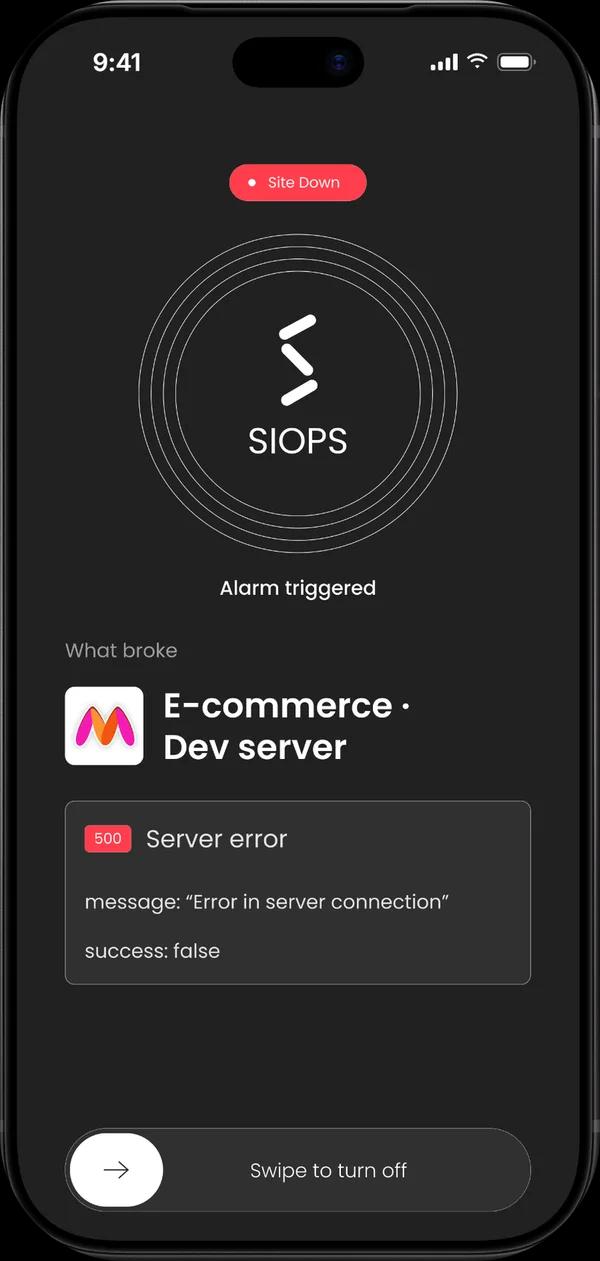
Install the SIOPS app on iOS or Android to monitor your own websites and servers with loud alarms that bypass Silent Mode, plus Slack, email, phone call, push and webhook alerts.
Checking Apple is free. Monitor your own websites, APIs and servers and SIOPS will ring like an alarm the moment they go down.