Mailchimp
GET mailchimp.comDaily uptime
100.00%27 OctToday
No downtimePartial (95–99.9%)Major (below 95%)
Response time
avg 118 ms02 Nov 21:1314 Nov 04:5025 Nov 00:07
- Status
- Up
- Last response
- 20074 ms
- Checked
- Every minute
- Last check
- 4 mins ago
 Live · checked 4 mins ago
No, Mailchimp is up.
Mailchimp is responding normally. Last checked 4 mins ago, with 100.00% uptime over the last 30 days and an average response time of 118 ms.
Daily uptime and response times from SIOPS checks. Hover a bar or the chart for details.
Report what you’re seeing. Visitor reports help show whether a problem with Mailchimp is widespread or only affecting a few people, even before our checks pick it up.
This page shows live, independent monitoring for Mailchimp. SIOPS requests mailchimp.com every minute and records whether each check succeeds and how fast it responds.
The status at the top reflects the most recent check. Uptime is the share of successful checks per day, and response time is how long Mailchimp’s servers took to answer. Short dips can come from brief network issues; sustained red bars usually mean a real outage.
The cards and charts at the top of this page show the outcome of our most recent request to mailchimp.com. Look at Last Updated before you rely on them. If it lags well behind the check interval, our data is stale, so check Mailchimp's official status page as well.
Mailchimp sends your campaigns, but whether they land depends on your audience, your content and the inbox providers on the other end. Most "Mailchimp not working" searches are about a campaign stuck sending, emails landing in spam, a signup form that doesn't add contacts, an integration that stopped syncing, or an account paused for review.
The uptime chart says whether mailchimp.com answered each check. The response time chart says how long. The website and dashboard are separate from the systems that actually deliver email, so a healthy chart doesn't mean your campaign is moving, and a slow dashboard doesn't always mean sending has stopped.
One spike is usually a delay between our checker and Mailchimp. A run of slow checks is the signal. The 7, 15 and 30 day views show whether today is unusual.
We request mailchimp.com from servers in more than one region, outside Mailchimp's network, on a fixed interval. A problem between checks can slip by.
Green means the website answered. We don't sign in, send campaigns, run automations, submit signup forms or sync integrations, and we can't see how inbox providers treat your email.
Mailchimp runs its status page at status.mailchimp.com. It covers the app, campaign sending and other parts of the service separately. Use it with ours. Our charts show whether mailchimp.com answers from outside. Mailchimp's page shows whether their team has confirmed a problem with sending or a particular feature.
Deliverability causes more grief than downtime. Inbox providers filter email based on sender reputation, authentication and how recipients react, so a perfectly sent campaign can still land in spam.
Account reviews are another common pause. Sudden list imports, high bounce rates or complaint rates can trigger a compliance review that holds sending. Integrations with stores and CRMs depend on their own connections, which can expire without warning.
Large campaigns go out in batches and take time. If it's stuck for long, check Mailchimp's status page for sending delays.
Authenticate your sending domain, clean your list and avoid sudden imports. Inbox providers decide placement, not Mailchimp alone.
A compliance review is likely. The email from Mailchimp explains what they need from you.
With double opt in, contacts appear only after they confirm. Test with a fresh address and check the confirmation email.
The connection may have expired. Reconnect it from the integrations page.
SIOPS, an independent uptime monitoring service, runs the checks on this page. We aren't affiliated with Mailchimp or Intuit, and the results on this page come from our own requests to mailchimp.com, not from Mailchimp's status page.
No, Mailchimp is up. This is based on SIOPS’s latest check at 24 Nov 2026, 18:37 UTC. The status updates automatically as new checks come in.
Mailchimp is responding normally to our checks, so the problem may be limited to your network, region, device or account. Try switching networks, updating the app, clearing its cache or signing out and back in.
Use the “Report a problem” form on this page: choose where you noticed it (app, website, API, login, notifications, payments or something else) and describe what went wrong. You can leave your email if you’d like an update. Reports from visitors help show whether an issue is affecting everyone or just a few people.
SIOPS checks mailchimp.com every minute from outside Mailchimp’s network and records the response code and response time of every check.
Mailchimp has had 100.00% uptime over the last 30 days, with an average response time of 118 ms.
Uptime is the percentage of successful checks over a period. 99.9% uptime over 30 days means about 43 minutes of downtime that month.
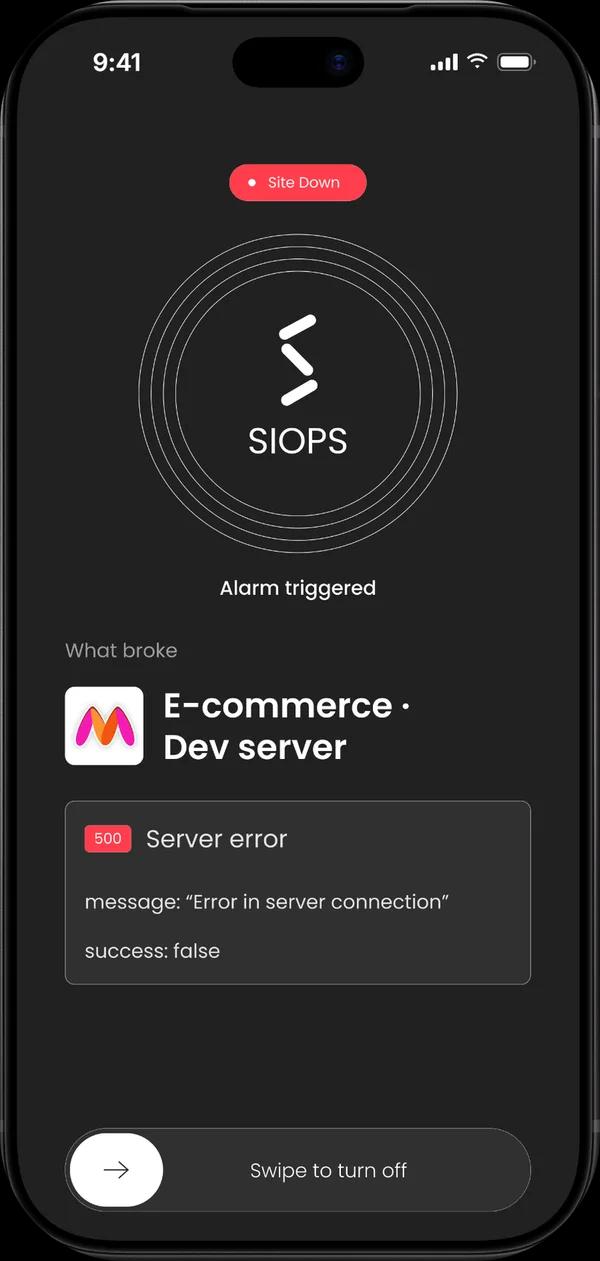
Install the SIOPS app on iOS or Android to monitor your own websites and servers with loud alarms that bypass Silent Mode, plus Slack, email, phone call, push and webhook alerts.
Checking Mailchimp is free. Monitor your own websites, APIs and servers and SIOPS will ring like an alarm the moment they go down.