Netflix
GET netflix.comDaily uptime
99.14%27 OctToday
No downtimePartial (95–99.9%)Major (below 95%)
Response time
avg 2,891 ms26 Oct 02:5707 Nov 03:0824 Nov 23:57
- Status
- Up
- Last response
- 2003,250 ms
- Checked
- Every 2 minutes
- Last check
- 14 mins ago
 Live · checked 14 mins ago
No, Netflix is up.
Netflix is responding normally. Last checked 14 mins ago, with 99.14% uptime over the last 30 days and an average response time of 2,891 ms.
Daily uptime and response times from SIOPS checks. Hover a bar or the chart for details.
Report what you’re seeing. Visitor reports help show whether a problem with Netflix is widespread or only affecting a few people, even before our checks pick it up.
This page shows live, independent monitoring for Netflix. SIOPS requests netflix.com every 2 minutes and records whether each check succeeds and how fast it responds.
The status at the top reflects the most recent check. Uptime is the share of successful checks per day, and response time is how long Netflix’s servers took to answer. Short dips can come from brief network issues; sustained red bars usually mean a real outage.
The cards and charts at the top of this page show what our latest request to netflix.com returned. Check Last Updated before you rely on them. If it's far behind the check interval, our data is stale, so go by what Netflix shows you for now.
Netflix shows error codes when something goes wrong, and those codes usually point to your device, your network or your account rather than Netflix itself. The other common problems are a message about your household, a payment that failed and paused the account, too many screens in use, or a title that's no longer available.
The uptime chart records whether netflix.com answered each check. The response time chart records how long. Video streams come from separate delivery systems close to you, so these charts show whether the site is reachable, not how smoothly a show plays.
A single spike is usually network noise between our checker and Netflix. A run of slow checks is the signal. Compare the 7, 15 and 30 day views to see whether today is unusual.
We request netflix.com from servers in more than one region, outside Netflix's network, on a fixed schedule. A problem between checks can go unrecorded.
Green means the website answered. We don't sign in, play titles, check your plan or household, or test the apps on TVs, phones or consoles.
We aren't certain enough of the exact address to link it, but Netflix's help center has its own page for checking whether Netflix is down. The help center also explains every error code. Use those alongside our charts.
Devices and networks cause most playback problems. Old apps, smart TV software, weak WiFi and crowded connections lead to errors and buffering.
Account rules explain more. Household settings, screen limits by plan and failed payments all stop playback by design. Licensing changes the catalogue by country, so titles come and go. When Netflix itself has problems, many people see errors at once.
Search the code in Netflix's help center. It explains the cause and the fix.
The device needs verifying as part of your account's household. Follow the steps on screen.
A payment failed. Update the payment method in your account.
Your plan's screen limit is reached. Stop playback on another device.
Titles leave when licences end, and availability differs by country.
SIOPS, an independent uptime monitoring service, runs the checks on this page. We aren't affiliated with Netflix, and every result here comes from our own requests to netflix.com, not from Netflix.
No, Netflix is up. This is based on SIOPS’s latest check at 24 Nov 2026, 18:27 UTC. The status updates automatically as new checks come in.
Netflix is responding normally to our checks, so the problem may be limited to your network, region, device or account. Try switching networks, updating the app, clearing its cache or signing out and back in.
Use the “Report a problem” form on this page: choose where you noticed it (app, website, API, login, notifications, payments or something else) and describe what went wrong. You can leave your email if you’d like an update. Reports from visitors help show whether an issue is affecting everyone or just a few people.
SIOPS checks netflix.com every 2 minutes from outside Netflix’s network and records the response code and response time of every check.
Netflix has had 99.14% uptime over the last 30 days, with an average response time of 2,891 ms.
Uptime is the percentage of successful checks over a period. 99.9% uptime over 30 days means about 43 minutes of downtime that month.
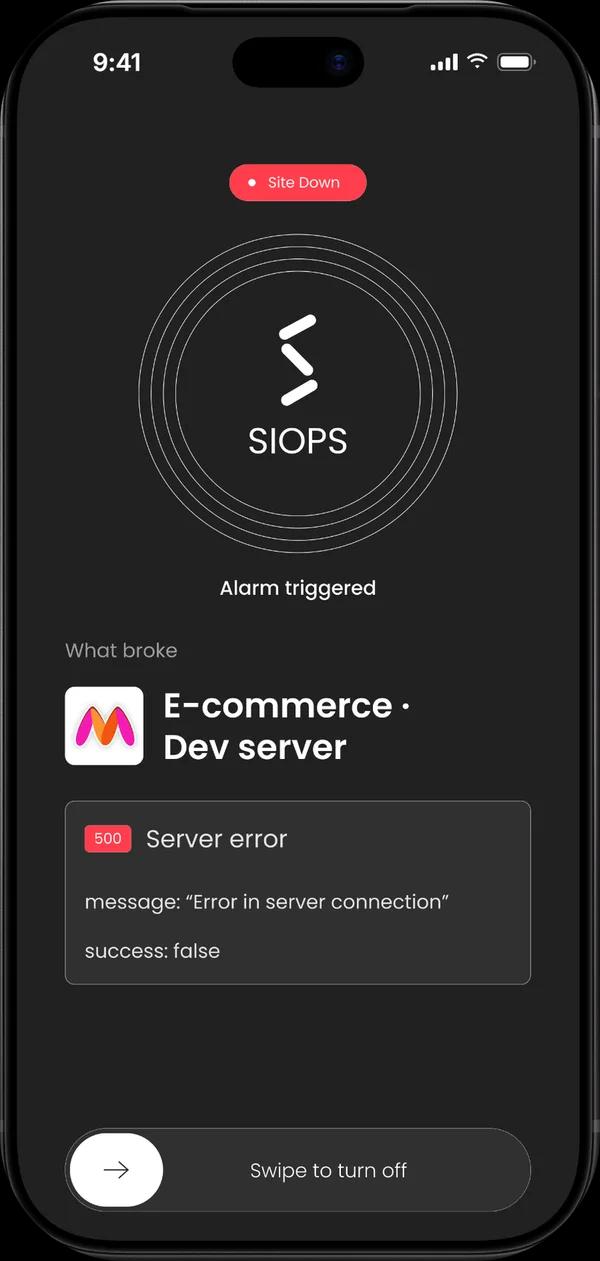
Install the SIOPS app on iOS or Android to monitor your own websites and servers with loud alarms that bypass Silent Mode, plus Slack, email, phone call, push and webhook alerts.
Checking Netflix is free. Monitor your own websites, APIs and servers and SIOPS will ring like an alarm the moment they go down.