Udemy
GET udemy.comDaily uptime
24.85%27 OctToday
No downtimePartial (95–99.9%)Major (below 95%)
Response time
avg 26 ms02 Nov 13:3914 Nov 01:0824 Nov 23:58
- Status
- Down
- Last response
- 40326 ms
- Checked
- Every minute
- Last check
- 13 mins ago
 Live · checked 13 mins ago
Yes, Udemy looks down.
Our latest check of udemy.com failed with HTTP 403. Last checked 13 mins ago. Uptime over the last 30 days is 24.85%.
Daily uptime and response times from SIOPS checks. Hover a bar or the chart for details.
Report what you’re seeing. Visitor reports help show whether a problem with Udemy is widespread or only affecting a few people, even before our checks pick it up.
This page shows live, independent monitoring for Udemy. SIOPS requests udemy.com every minute and records whether each check succeeds and how fast it responds.
The status at the top reflects the most recent check. Uptime is the share of successful checks per day, and response time is how long Udemy’s servers took to answer. Short dips can come from brief network issues; sustained red bars usually mean a real outage.
The cards and charts at the top of this page show what our most recent request to udemy.com returned. Check Last Updated to see how fresh that is. If it lags far behind the check interval, our data hasn't caught up, so rely on what you see on Udemy itself in the meantime.
On Udemy, most problems people search for happen inside a course: a lecture video won't play, a purchased course isn't in your learning list, a coupon won't apply, or a certificate won't appear. Work through these before you assume the whole site is down.
The uptime chart shows whether udemy.com answered each of our checks. The response time chart shows how long each answer took. Course videos are delivered separately from the pages around them, so the charts describe the site you browse, not the video stream. A healthy chart with a buffering lecture usually points to the video path or your connection.
Don't read much into one spike. It's often a network delay between our checker and Udemy. A run of slow checks is the pattern to watch. Switch between the 7, 15 and 30 day views to see whether today stands out.
We request udemy.com from servers in more than one region, outside Udemy's network, on a fixed interval. A problem that starts and ends between checks may not appear.
Green means the website answered. We don't sign in, play videos, buy courses, apply coupons, take quizzes, issue certificates or open the instructor dashboard. Udemy Business and the mobile apps aren't covered either.
We aren't certain of a public status page for Udemy, so we haven't linked one. Udemy's support site is the official place for help with access, payments and video playback. If you use Udemy Business, your company's learning administrator can also contact Udemy for you.
Video playback is the most common pain point, and it's usually local. Browser extensions, slow or unstable connections and outdated browsers all cause lectures to buffer or fail while the rest of the site works.
Access problems tend to be account problems. Buying with one email and signing in with another, or mixing up a personal account with a Udemy Business one, makes courses seem to disappear. Coupons have their own conditions and end dates, so a coupon that won't apply is usually expired or limited, not broken.
Lower the video quality, pause ad blockers and other extensions, and switch browsers. If the charts above show failures too, the problem may be on Udemy's side.
Check that you're signed in to the account you paid with. Your receipt email shows which address was used.
It may have expired, reached its limit, or not apply to that course. That's a coupon rule, not an outage.
Our check covers udemy.com. Udemy Business runs through your company's own access, so ask your learning administrator if only that fails.
Certificates usually appear once every required lecture is marked complete. Look for any item still unmarked in the course content list.
These checks come from SIOPS, an independent uptime monitoring service. We have no affiliation with Udemy, and the results here are based on our own requests to udemy.com, not on information from Udemy.
Yes, Udemy looks down. This is based on SIOPS’s latest check at 24 Nov 2026, 18:28 UTC. The status updates automatically as new checks come in.
Our checks show Udemy is having problems right now, so it’s likely not just you. Most outages are fixed within minutes to hours. Check back here for live updates.
Use the “Report a problem” form on this page: choose where you noticed it (app, website, API, login, notifications, payments or something else) and describe what went wrong. You can leave your email if you’d like an update. Reports from visitors help show whether an issue is affecting everyone or just a few people.
SIOPS checks udemy.com every minute from outside Udemy’s network and records the response code and response time of every check.
Udemy has had 24.85% uptime over the last 30 days, with an average response time of 26 ms.
Uptime is the percentage of successful checks over a period. 99.9% uptime over 30 days means about 43 minutes of downtime that month.
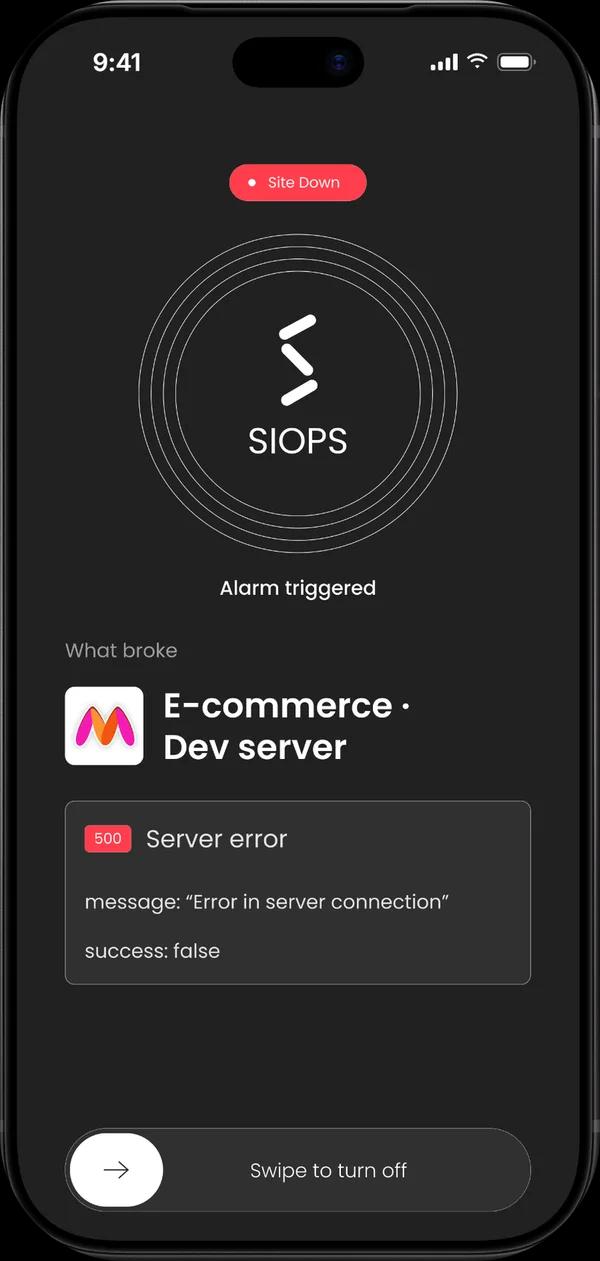
Install the SIOPS app on iOS or Android to monitor your own websites and servers with loud alarms that bypass Silent Mode, plus Slack, email, phone call, push and webhook alerts.
Checking Udemy is free. Monitor your own websites, APIs and servers and SIOPS will ring like an alarm the moment they go down.